










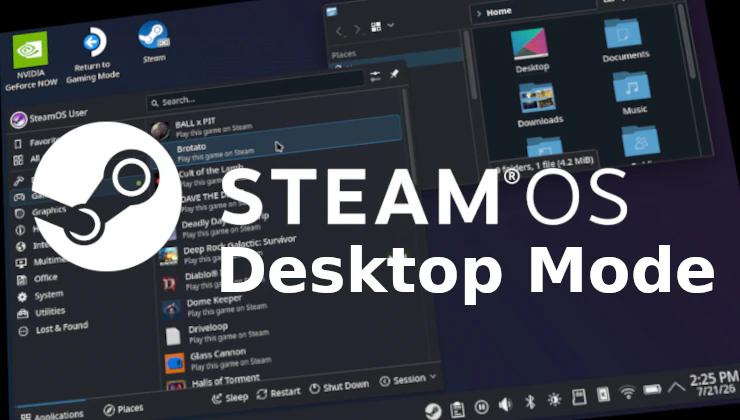

If you want your SteamOS Linux machine like the Steam Deck or Steam Machine to automatically boot into Desktop Mode – that is actually possible.
Gaming Mode is great, because it’s the simplest way to just pick up a controller or your Steam Deck and get gaming. But, if you often use your machine like a desktop – this will allow you to skip the whole dance of loading up and manually going into Desktop Mode each time.
Since SteamOS includes a dedicated Desktop Mode powered by KDE Plasma – you can use it just like you would use any other PC (just with Linux instead of Windows).
Note: your system is likely to reboot with these changes – save any work you’re doing before running the commands.
You don’t even need a keyboard attached for this. In Desktop Mode you can press STEAM + X together to bring up the Steam on-screen keyboard.
This has been tested working as of SteamOS 3.8.24 on a Steam Deck OLED. It should work on all versions of SteamOS.
How to force Desktop Mode by default:
- Press the Steam button.
- Go down to the Power menu and select Switch to Desktop.
- In Desktop Mode, open the terminal app Konsole.
- Enter in this command and then press Enter (for Wayland):
steamos-session-select plasma-wayland-persistentOr (for X11)
steamos-session-select plasma-x11-persistent
What’s the difference for #4? X11 is really old. Everything is gradually moving over to Wayland.
That’s all you need to do. Each reboot or power-on will now go directly to the Desktop Mode powered by KDE Plasma.
How to revert back to Gaming Mode by default:
- Make sure you’re in Desktop Mode.
- Open the terminal app called Konsole.
- Enter this command and then press Enter:
steamos-session-select gamescope
Again, that’s all you need to do – it really is that simple.
Will games work differently in Desktop Mode?
Potentially, there may be some performance differences. Gaming Mode is dedicated to getting everything else out of the way to ensure there’s very little going on whilst you’re gaming for the best performance. There’s a built-in SteamOS Desktop shortcut to return to Gaming Mode whenever you want.